Features
What's in the app, page by page. Everything comes from your Home Assistant hub, so if a device is in Home Assistant, it's in myYam.
Home
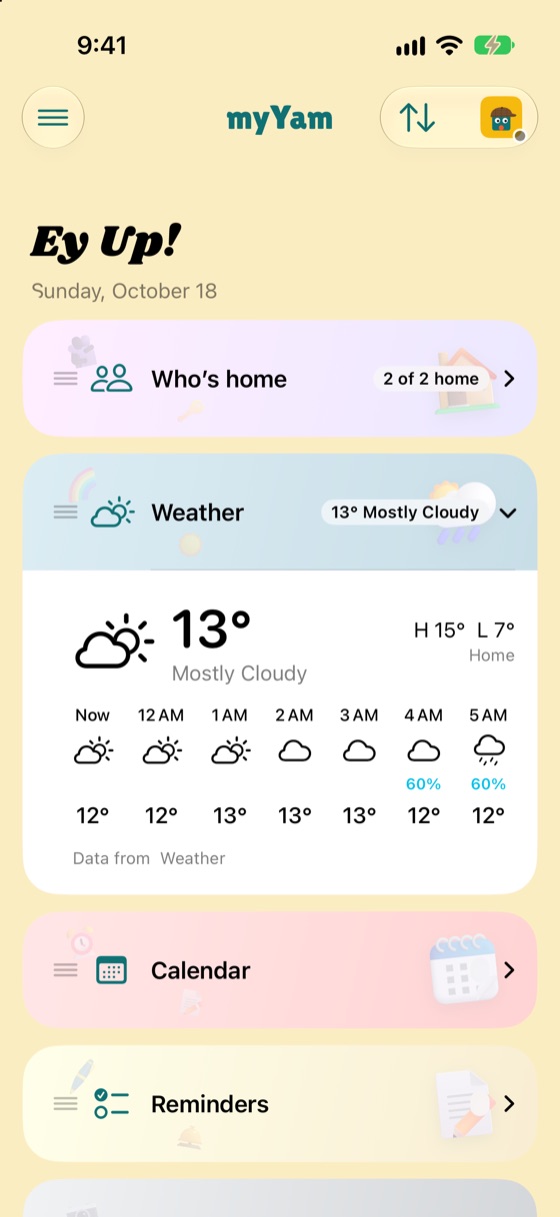
Home opens with "Ey up!" and the day's date, then a card for each part of the house:
Rooms and zones
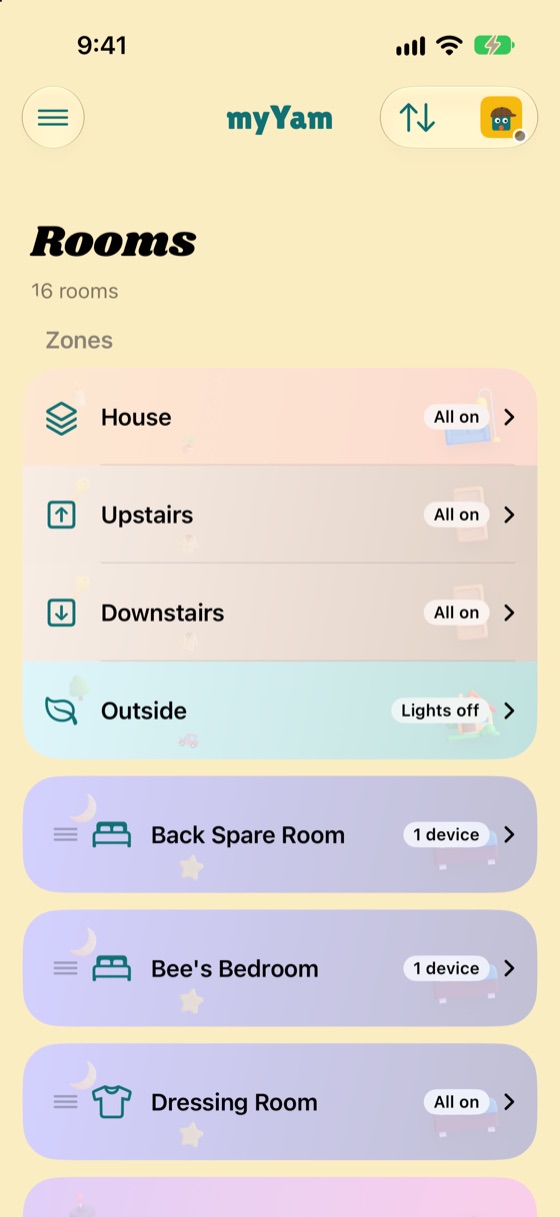
Rooms come straight from your Home Assistant areas. Tap one to fold it open: its scenes, lights, speakers and TVs, and every other device in it, from cameras to appliances and sensors.
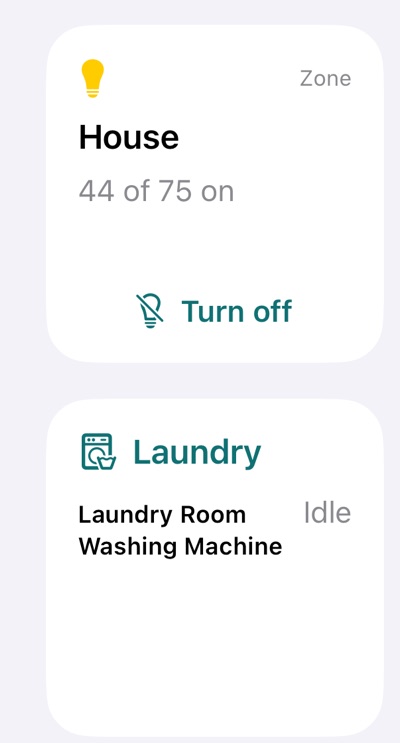
Zones sit at the top: the House, Upstairs, Downstairs and Outside, each with one switch for all its lights, their scenes, and every light listed. Zones are light groups made in Home Assistant, so adding a new one there adds it to myYam.
Lights and scenes
Cameras
Each camera's latest picture, checked every minute, and a red Live button to watch it live, with Sound to hear it. Choose which cameras show on Home in Settings.
Ring cameras only take a new still picture when they see motion, so a picture can be a while old. Live view uses battery on battery-powered cameras, and Ring records each live view in its history.
Devices
Washers and dryers (Bosch Home Connect and others) show their programme and progress, with a countdown to the finish in the app, in a widget, on the Lock Screen and in the Dynamic Island.
Thermostats set up in Home Assistant (Hive, tado°, Nest, Wiser, Evohome and others) show the temperature now and whether they're heating, with − and + to change the target, and modes and presets such as Eco or Boost.
Blinds, curtains and garage doors open, stop and close. Fans and purifiers have on and off, speed and modes. Robot vacuums start, pause, go home, or beep so you can find them.
See what's playing on HomePods, Apple TVs and other speakers, play or pause, and change the volume.
Your Home Assistant scripts and automations: run a script, pause an automation, or run one now to try it.
Each device has a panel with its readings, like battery, door or programme progress, and its switches. Buttons that start or stop things aren't shown, so nothing can be set off by accident.
Locks, alarm and security
Smart locks and alarms show in their room, and together in the Security card on Home with anything left open: doors, windows, the garage.
Unlocking a door, opening the garage and turning the alarm off ask for Face ID first, and for the device's PIN if it has one. myYam never keeps PINs.
Who's home
Who's home comes from the Home Assistant app on each person's phone. Tap someone who's out to see where they are on a map.
Everyone can choose their own picture: a photo from the camera, Photos or Files, moved and zoomed into the circle, or one of the ready-made avatars. Everyone in the house sees it. You can only change your own, and you can always go back to the picture in your Home Assistant profile.
Weather
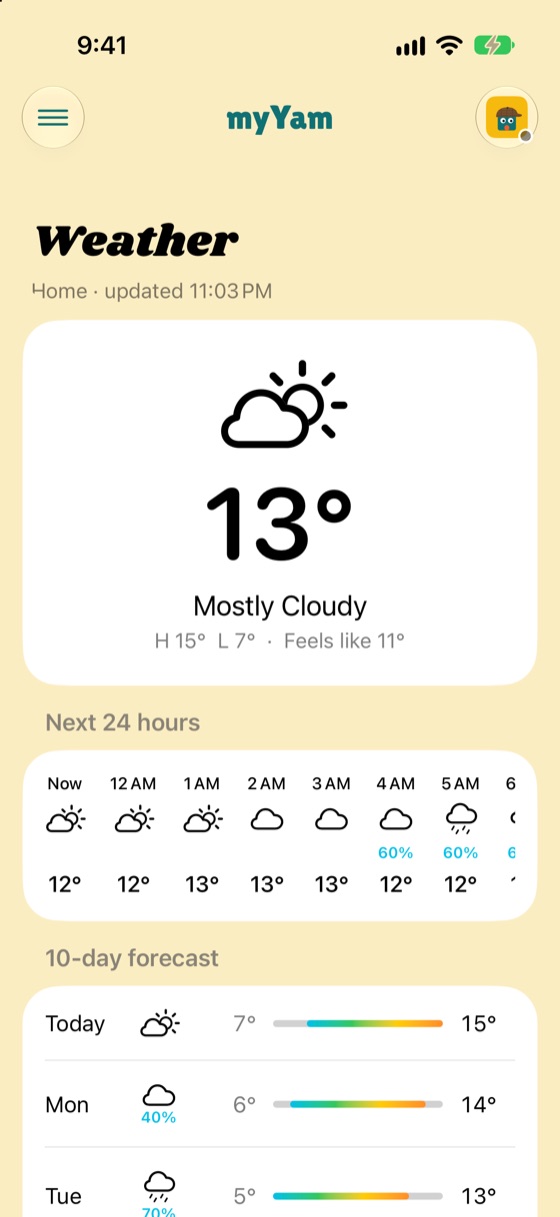
The weather now and the next 12 hours on Home. The Weather page has the 24-hour and 10-day forecast, rain chances, wind, UV, sunrise and sunset, and any weather warnings.
Choose home (from Home Assistant), where you are, or any town or postcode, plus °C or °F and your wind units.
Calendar and reminders
Your calendars from Apple Calendar (iCloud, Google and any others on your device) as a month, week, three days, a day or an agenda, and reminders due today and tomorrow, ready to tick off.
News
Choose papers and sections from the UK (BBC, the Guardian, The Times, the Telegraph, the FT, the Independent, Sky), the US (NPR, the New York Times, the Washington Post, AP, Reuters and more) and sport (The Athletic, BBC Sport), or paste any site's RSS address.
Home shows the latest five headlines; the News page has everything, by section or source. A headline opens in the paper's app or Safari, where your subscription is signed in.
Siri and Shortcuts
Start with "My Yam" (or just "Yam"), so Siri knows it's for myYam rather than Apple Home:
Siri works away from home too, and the same actions are in the Shortcuts app for your own automations.
Widgets and the Lock Screen
Looks
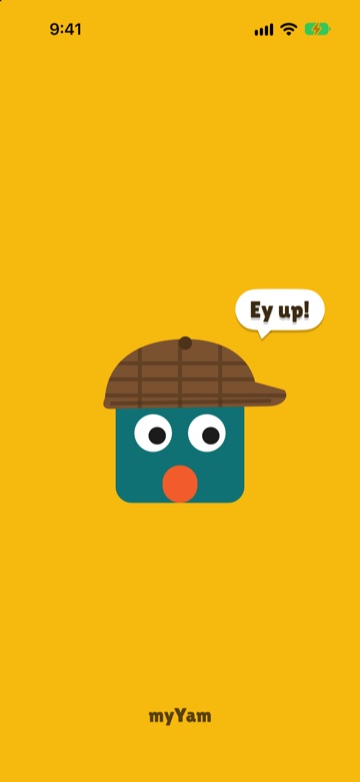
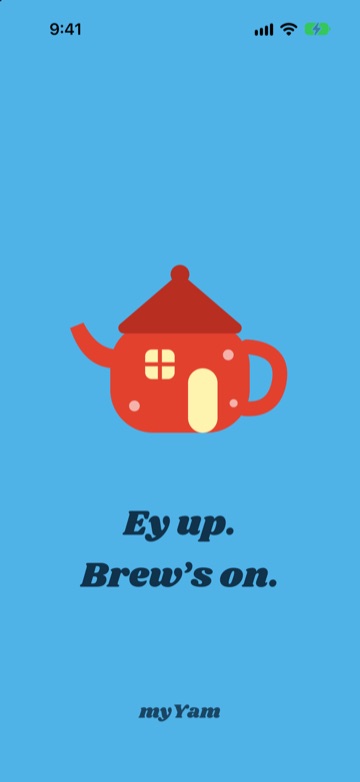
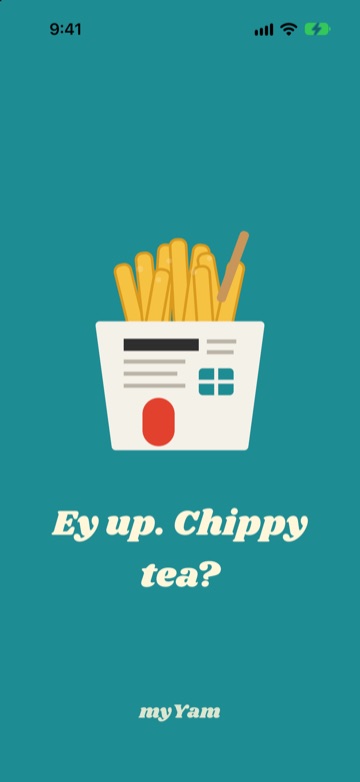
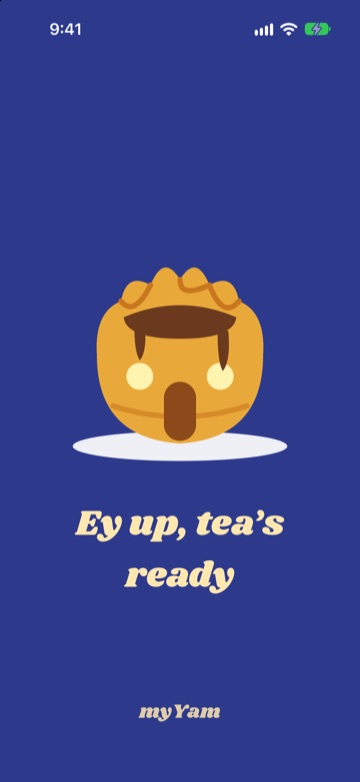
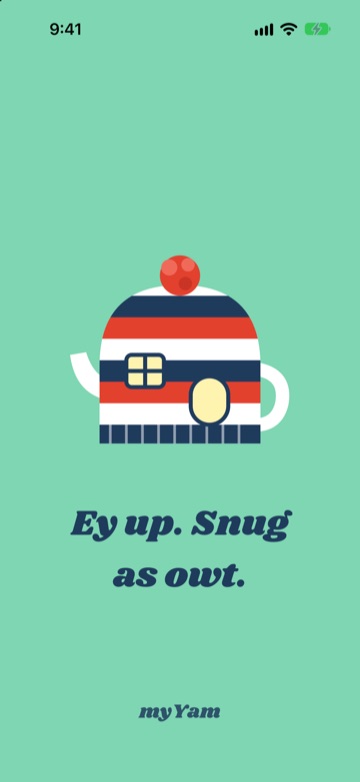
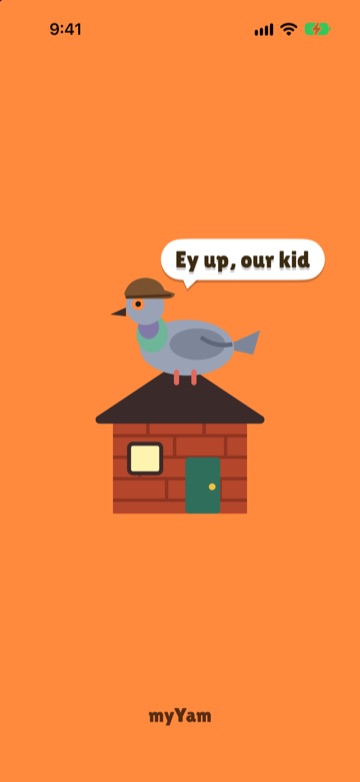
Six looks, each with its own colours, splash screen, app icon and night-time version. Pictures can sit behind every card, with a slider to make them as faint as you like.
Away from home
At home, myYam finds your hub on the Wi-Fi by itself. Add your Home Assistant Cloud address and it works when you're out too, switching between home and away on its own. Siri and the widgets do the same.
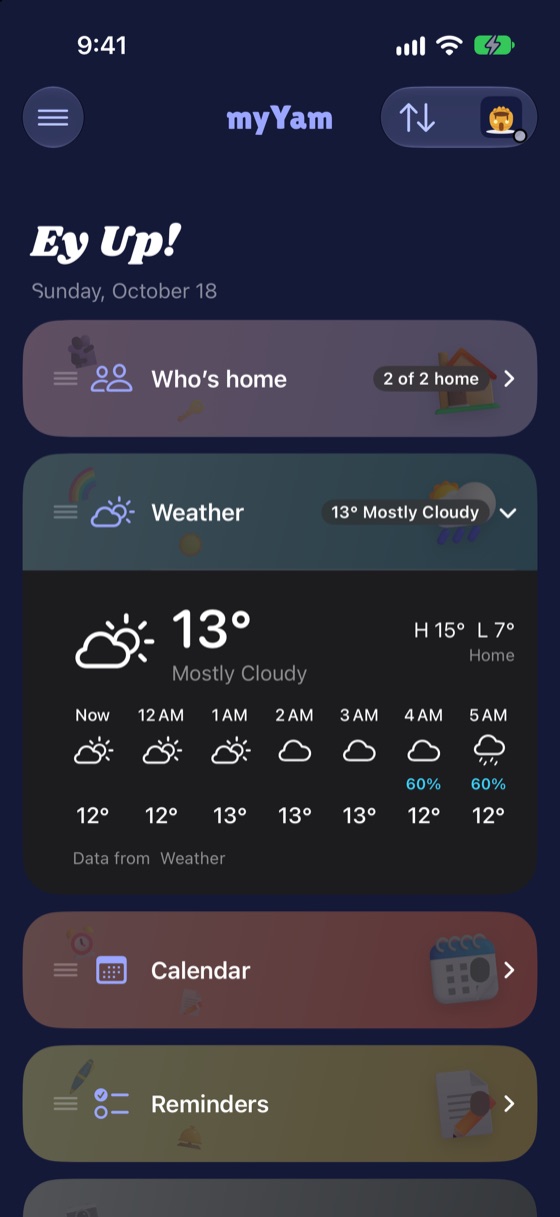
Dark mode with the Yorkshire Pud look, for the evenings:
Demo house
Tap Try the demo house on the welcome screen to look round a made-up home: ten rooms, zones for the House, Upstairs, Downstairs and Outside, scenes, heating, locks and an alarm, blinds, a purifier, a robot vacuum, three cameras, a washing machine counting down, and three people. Everything responds as it would at home; nothing is real and nothing leaves your phone.
 myYam
myYam